Keep your tickets,
workflows, muscle memory. Leave the Zendesk bill.

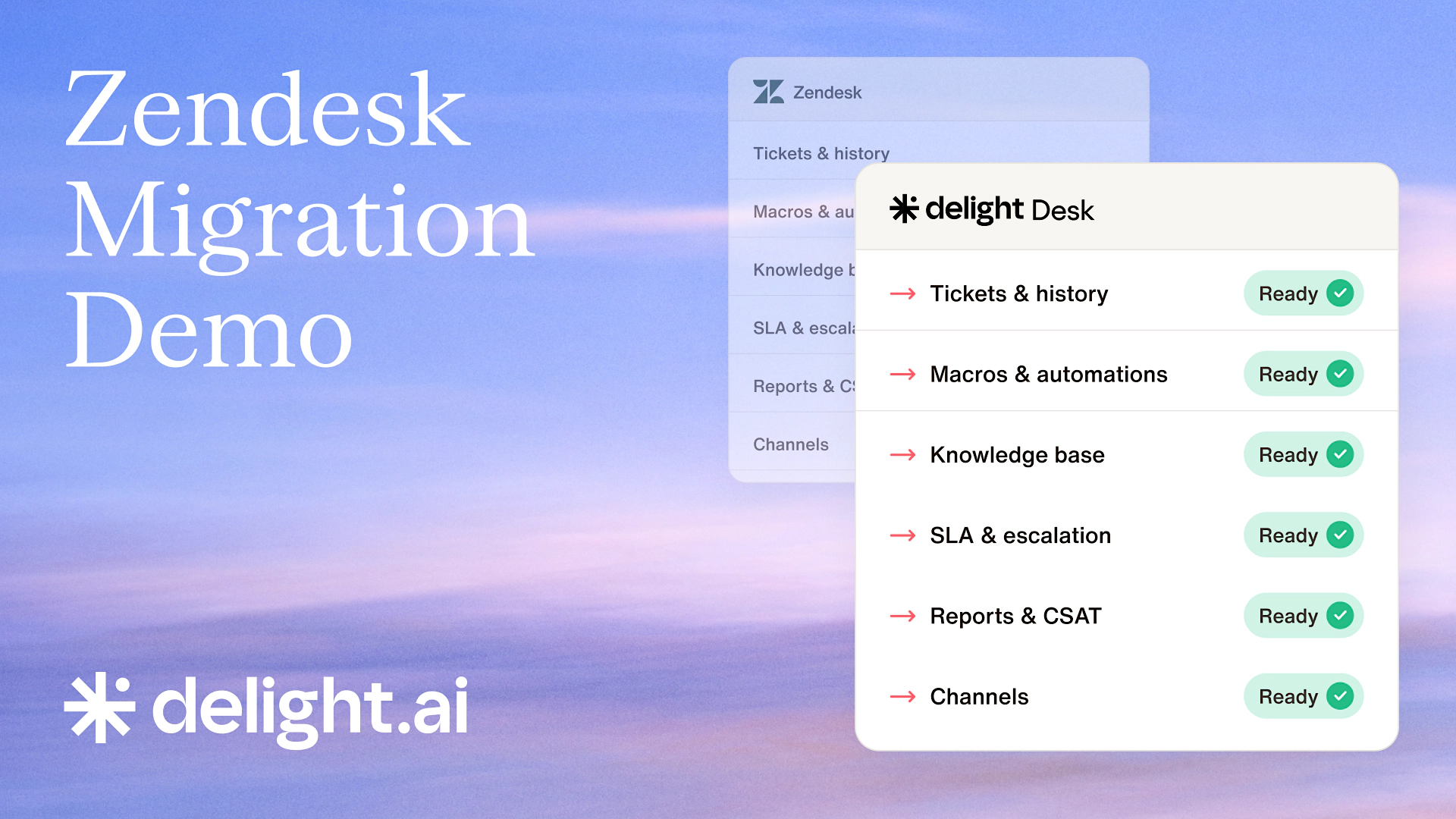
Watch the Zendesk migration demo
The reason you're still on Zendesk isn't the product. The exit just got easier.
No retraining. No migration project. No rebuilding the knowledge base from scratch. Familiar interface, one-click migration from Zendesk. Familiar and free.

Familiar UI: your team opens Delight Desk and already knows what to do
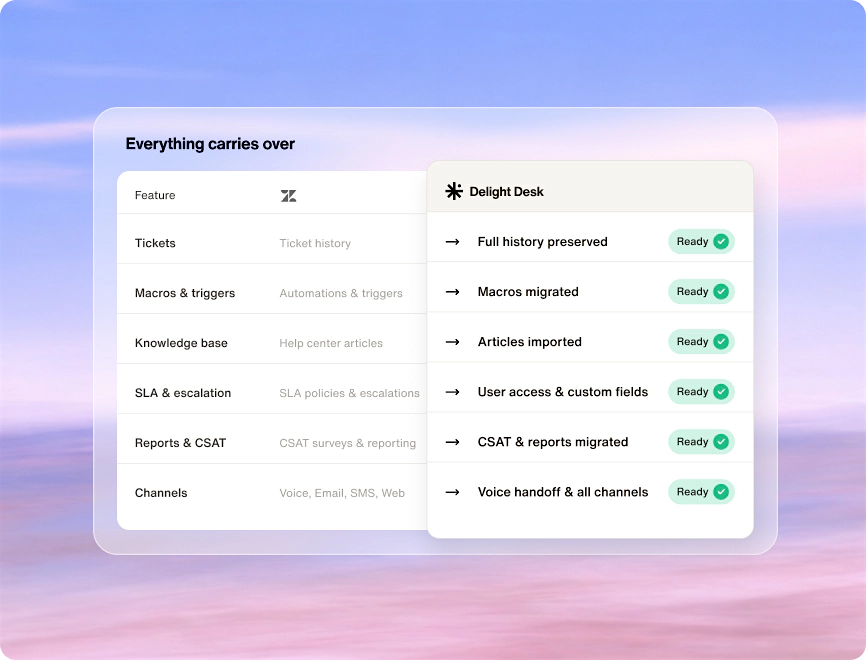
One-click migration: tickets, KB, and macros all come with you from Zendesk
No seat fee: Desk is free forever; you only pay when AI agent resolves a ticket
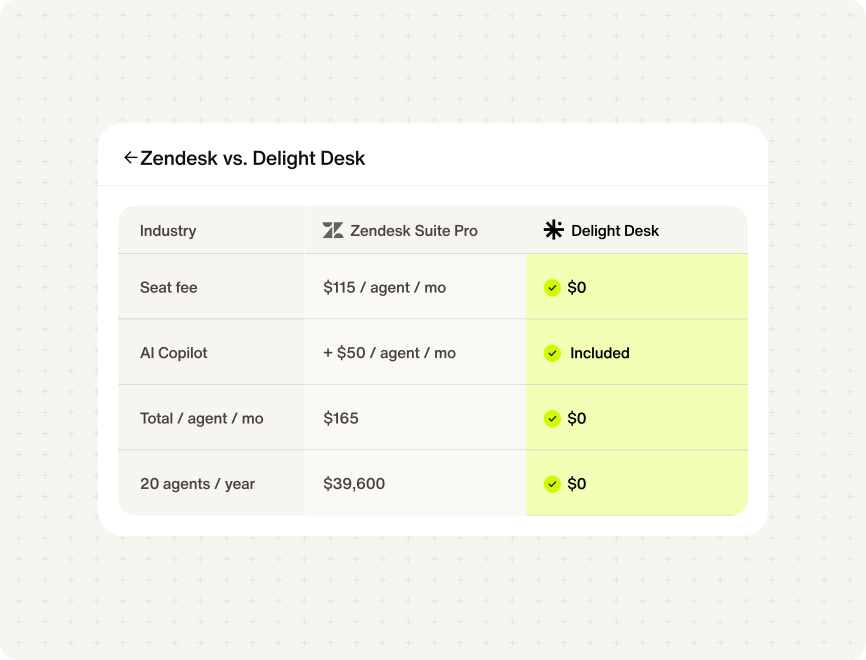
Zendesk bills you per seat. Delight Desk is free.
$0 seat fee
Free for every agent on your team. No per-seat charges, ever.AI Copilot included
No add-on to buy. No separate setup. Works from day one.Pay for AI, not headcount
You only pay when AI agent closes a ticket. Not per seat, not per agent.No lock-in
Run alongside Zendesk. Move on your timeline. Cancel at renewal.


Your AI agent arrives already trained.
We read your Zendesk ticket history before launch and draft Actionbooks from real resolutions—so your AI arrives ready, not blank.


Pre-trained on day 1
Your Zendesk history analyzed during migration. Actionbooks arrive ready before your first ticket.

Specific to your operations
Drafted from your policies, edge cases, and language—not generic cleanup work.

Human in the loop, always
Every Actionbook stays in draft until approved, so customers never see unreviewed AI.

Zero training investment
Each resolution teaches the AI from real work, with no manual retraining.
One command center for AI and human agents.
Built for the AI era, Delight Desk pairs specialized AI agents with human judgment—all in one shared case, context, and workspace.
Specialized AI agents resolve tickets end-to-end across data, policy, and voice
Humans approve, edit, take over, or coach from the same case record
Full shared context, no handoff gaps, no lost history

Every call lands in Desk.
AI handles it first.
AI answers first
Every inbound call is triaged and resolved without needing a human.One-click human takeover
Full call context already open when your agent steps in.Every call becomes a ticket
Transcript included automatically, nothing gets lost.One queue for everything
Voice, chat, and email in the same workspace, no second tool.


See your Zendesk in Desk before you decide.
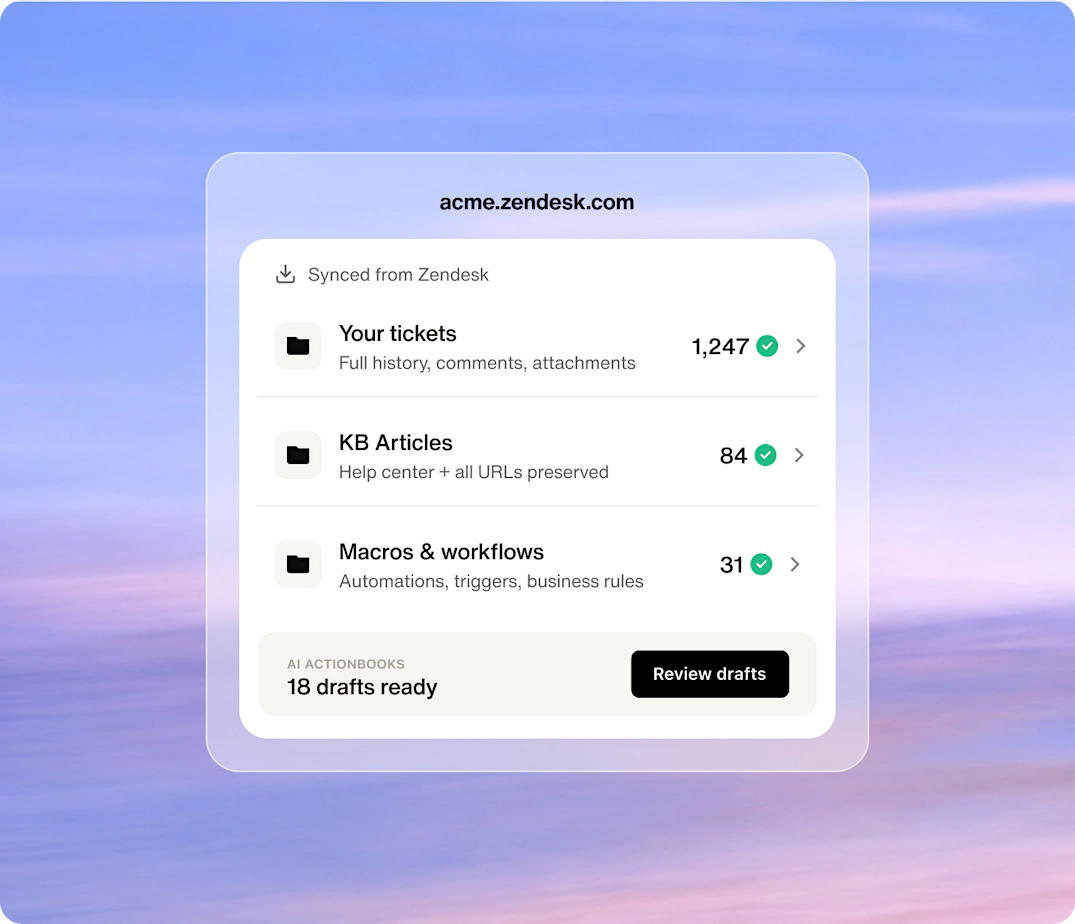
Connect read-only and we build a live preview in minutes: your tickets, KB, macros, users, and AI Actionbooks drafted from your history. Review everything. Nothing moves until you say so.
Everything transfers: tickets, history, KB, macros, users, custom fields
SEO preserved with automatic 301 redirects for all KB URLs
AI Actionbooks drafted from your history, ready by day one
