Some parts of a call work better on a keypad than out loud: a one-time code, a policy number, a quick yes to a consent question, a rating at the end of a call. A caller standing in a pharmacy line or sitting in a shared office may simply prefer not to say those digits where others can hear.
That's why we're introducing Secure Caller Keypad Input for Delight voice agents. When a step is better entered than spoken, a Delight agent can:
- Collect keypad input for verification, consent, and surveys, then continue the conversation.
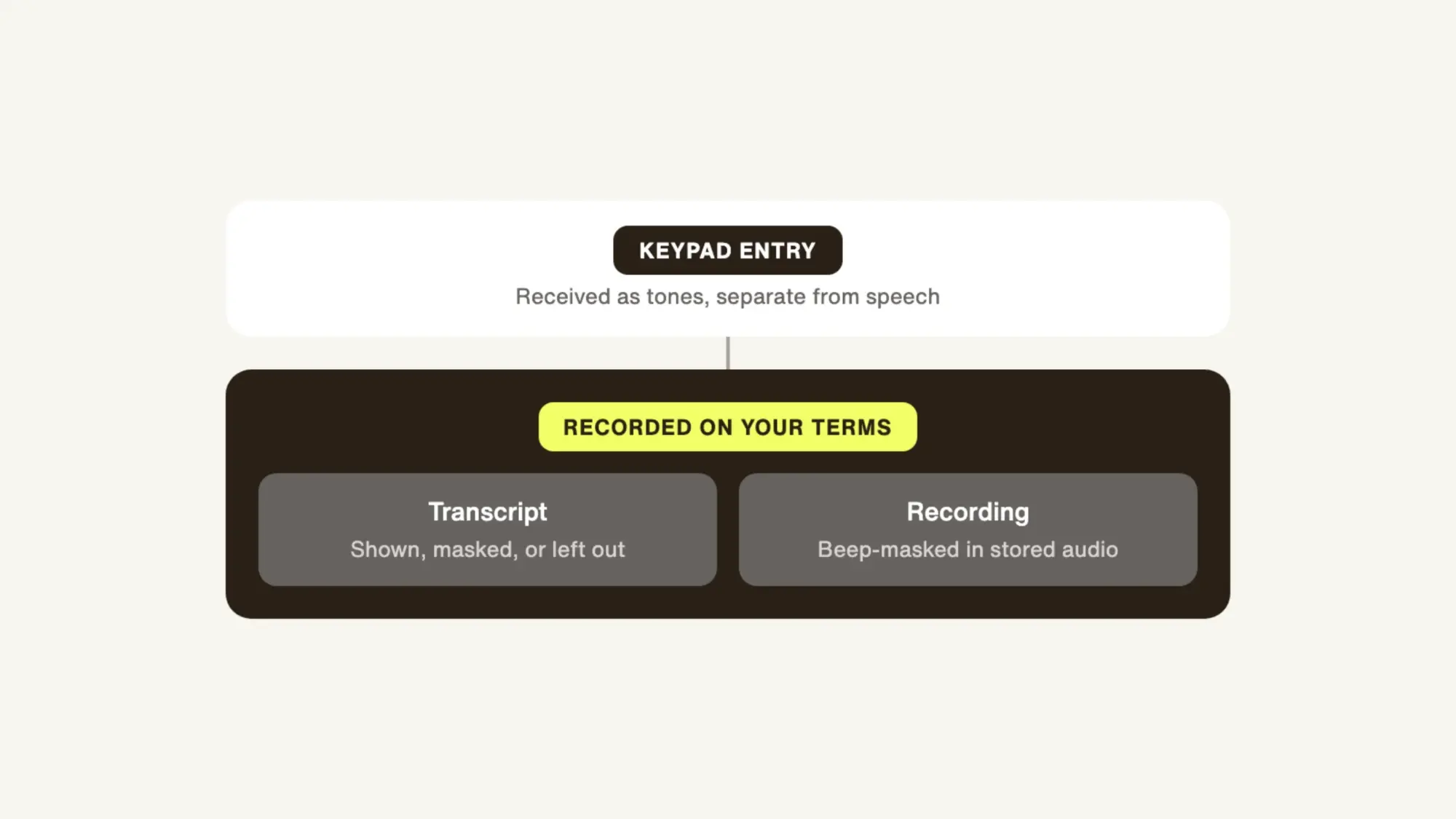
- Mask each entry's PII by flow, choosing how it appears in the transcript and beep-masking it in the stored audio.
Where Secure Caller Keypad Input helps
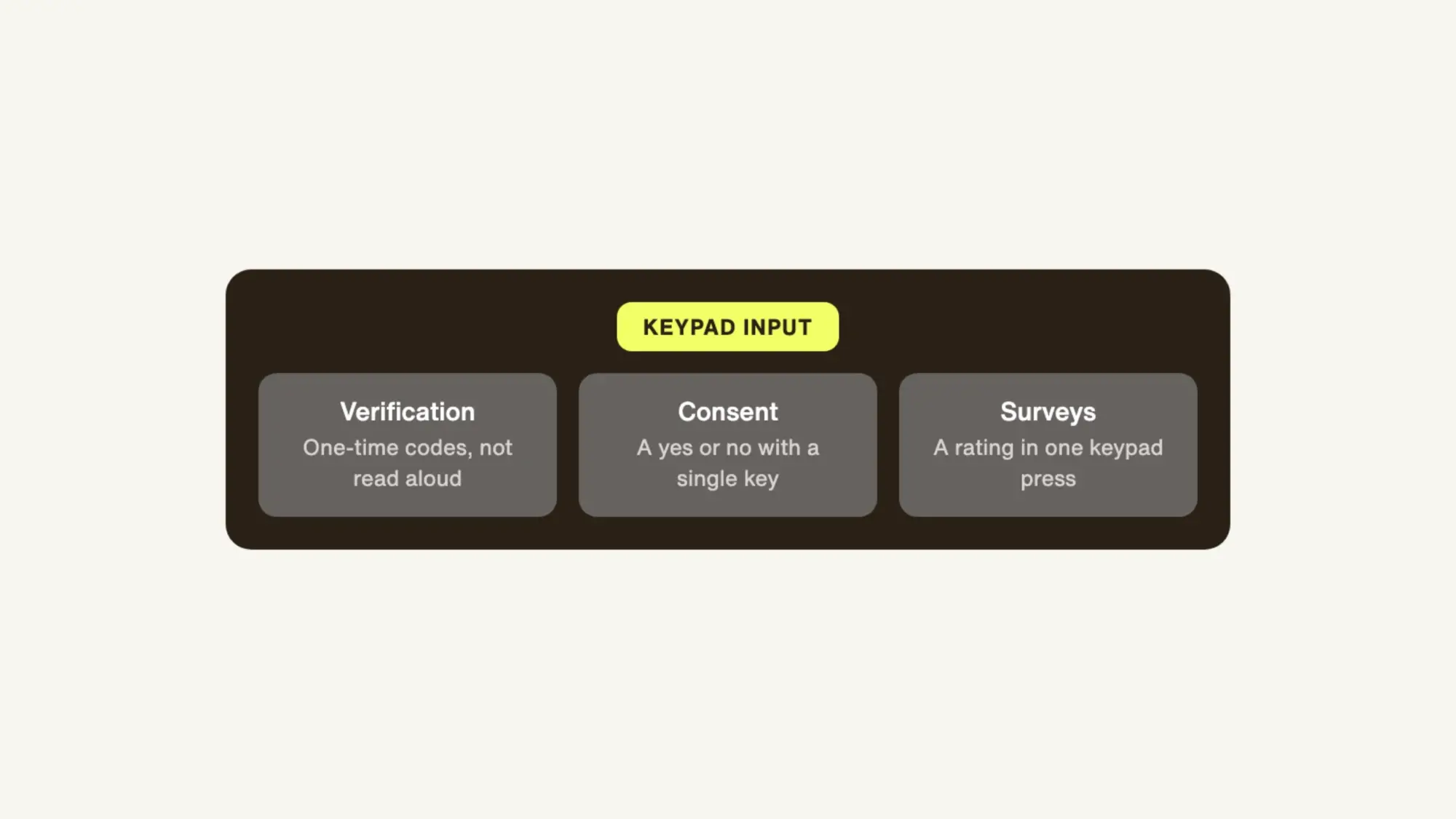
Verifying identity with a one-time code
A caller receives a one-time code and enters it on the keypad instead of reading it aloud. The agent confirms the code and moves on to the reason for the call, and the code itself doesn't appear in the transcript.
Recording consent with a single key
Some steps only need a yes or a no. A keypad response captures consent as a clear, deliberate entry, recorded as the caller's decision.
Collecting a rating after the call
A post-call survey works best when it takes a few seconds. A single keypad press gives the business a clean rating to report on, without asking the caller to explain a score out loud.
Keypad Entries: Received as tones, recorded on your terms
Every key on a phone sends a short tone when it's pressed, a signal known as DTMF (dual-tone multi-frequency). It's the same signal that has let callers work through phone menus for decades.
Delight receives those tones as keypad entries, separate from what the caller says, and checks each one against what the step expects, such as a six-digit code. It works like handing over a sealed envelope instead of reading its contents aloud. The agent gets exactly what it needs, and nothing sensitive is said on the line.
What PII the call record keeps is set step by step. For verification, consent, or a survey, a team chooses whether the transcript shows the entry, shows it masked, or leaves it out entirely, and Delight can beep-mask the entry in the stored audio, so the record shows the step happened without exposing the digits themselves.
Let each part of the call use the right input
Voice doesn't have to carry every kind of information by itself. Secure Caller Keypad Input lets a Delight voice agent switch to the keypad for verification, consent, and surveys, then keep the conversation going, with PII data masking set step by step for the transcript and the recording. It sits alongside Delight's SOC 2 and GDPR compliance, with every voice interaction evaluated through Trust OS.
See how Secure Caller Keypad Input works with your call flows on the Delight.ai Voice page.