When a voice AI agent hands a call to a person, the line it dials doesn't always ring straight through. A store's main number, a billing department, or a partner's support line often opens with a menu first: "press 2 for billing."
Working through that menu is slow, manual work. Someone has to listen to the options, press the right keys, and wait for the right department, all before the person on the other end hears why the call is coming in. This isn't a more conversational IVR for a business's own line. It's an agent working through someone else's menu on the way to a person.
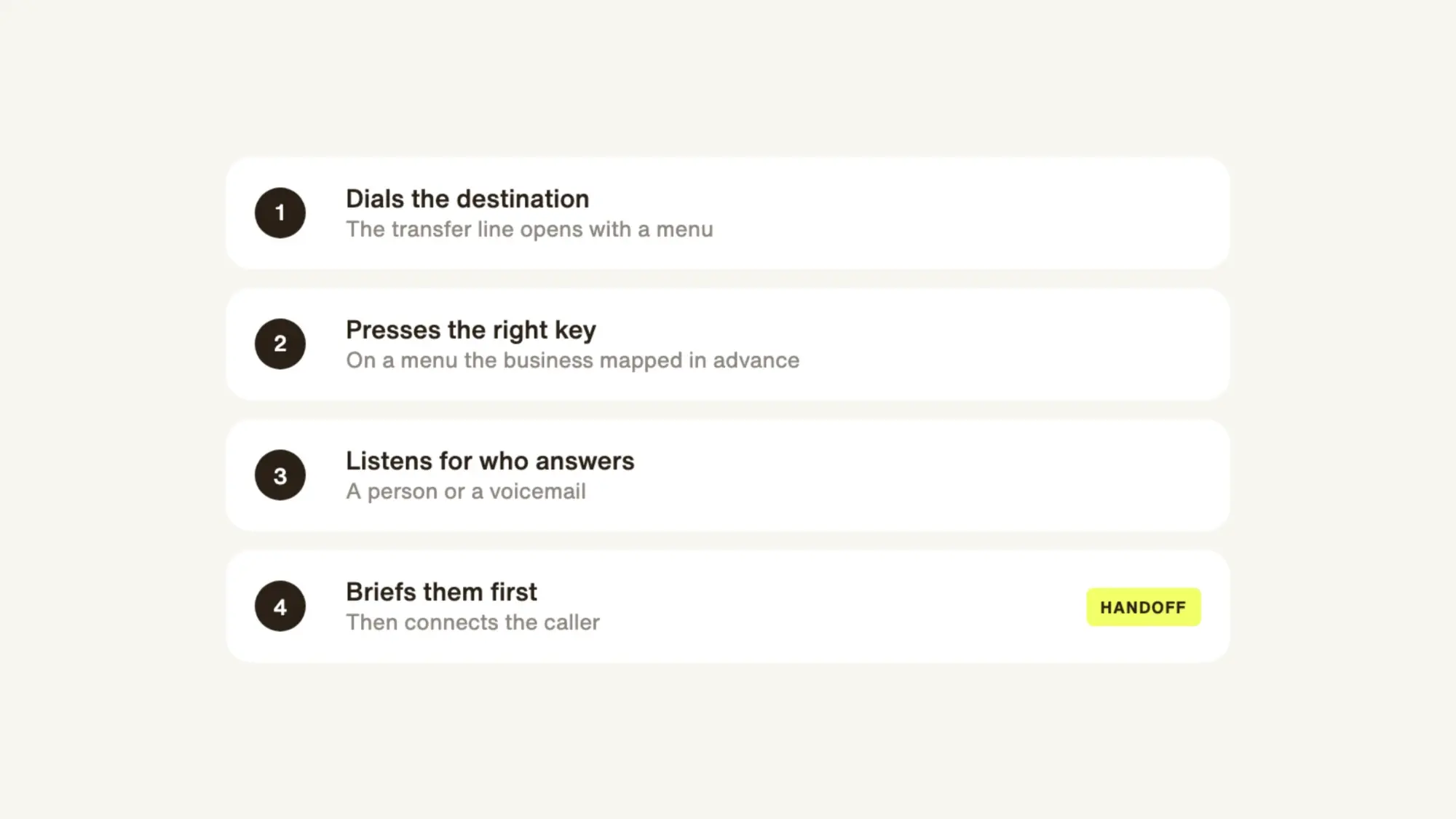
That's why we're introducing IVR Navigation for Delight voice agents. When a Delight agent transfers a call to a line that opens with a menu, it can:
- Listen first, detecting whether a person or voicemail answered before briefing.
- Navigate your known IVR menus by pressing the right keys.
Listen First: Know who answered before briefing
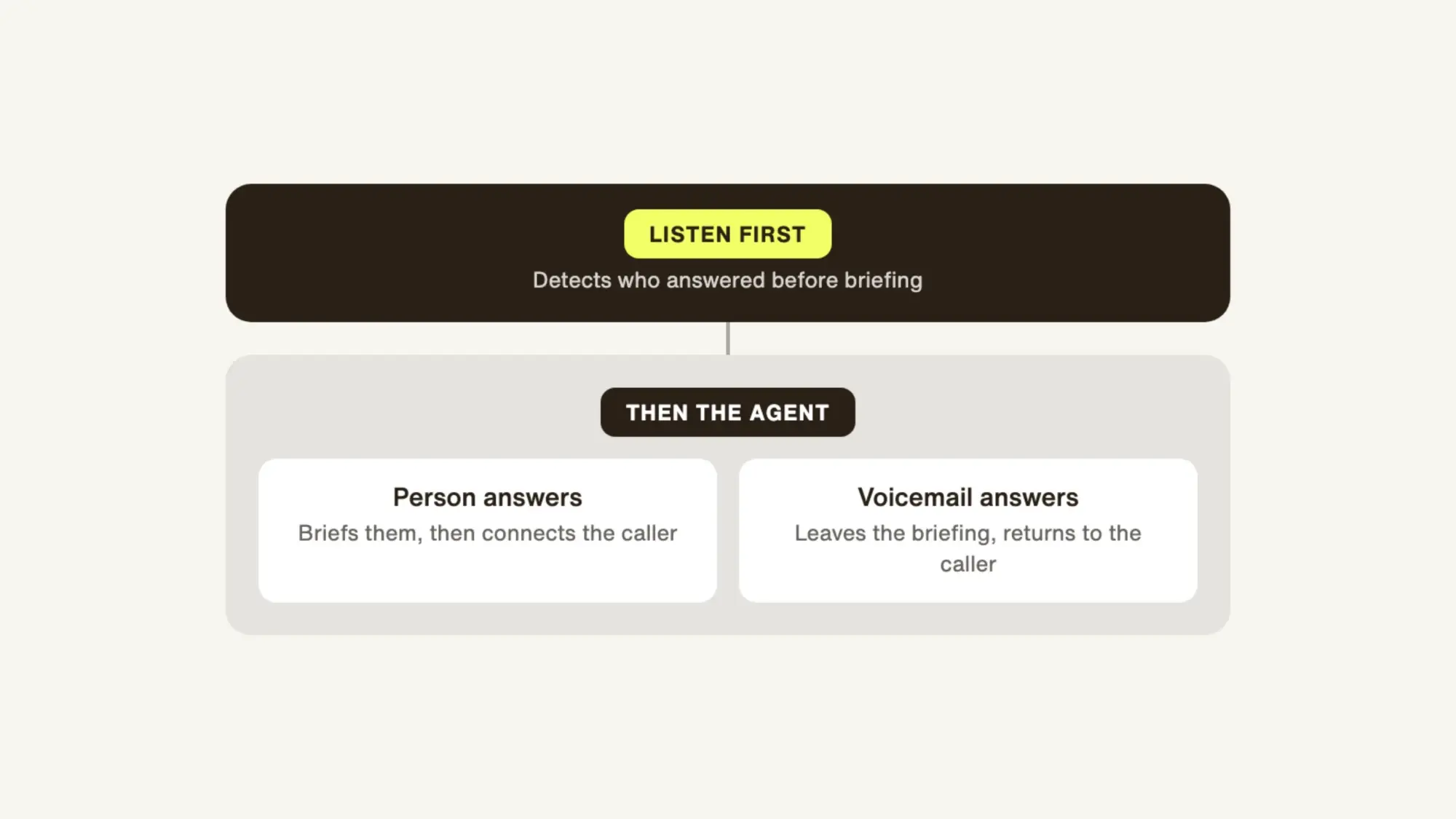
A Delight agent doesn't play a fixed message the moment a line connects. It listens first and detects whether a person or a voicemail answered, using the same detection behind Intelligent Voice Handoff.
If a person answers, the agent briefs them before the caller is connected. If a voicemail answers, the agent can leave the briefing as a message when the flow is known, then return to the caller and explain what happens next.
Known-Menu Navigation: Press the right keys on a mapped menu
When the line the agent is dialing opens with a menu the business has mapped in advance, the agent presses the right key when the menu asks for it and keeps going. "Press 2 for billing" becomes a 2, instead of a reason to hand the call back to a person.
The keys are pressed on the side of the call the agent is dialing, so the tones never reach the caller. That removes the part of the job that never shows up in a demo: time on hold, keys pressed by hand, and someone checking whether anyone actually answered.
Where IVR Navigation helps
The department behind a menu
A caller has a billing error that needs a person to resolve. The billing team's line opens with a menu the business has mapped, so the agent presses the billing key, waits for someone to answer, and briefs them before connecting the caller.
The line that goes to voicemail
Not every transfer reaches someone. When the agent detects a voicemail instead of a person, it can leave the briefing as a message, then return to the caller and file a case so the team can follow up.
Reach the right person, even behind a menu
A transfer only helps if it reaches someone who can act on it. IVR Navigation lets a Delight voice agent listen before it speaks, press the right keys on the menus a business knows, and brief the person who answers, so a caller's request doesn't stall at "press 1." The same listening lets callers answer on the keypad too, for verification, consent, and surveys.
See how IVR Navigation works with your call workflows on the Delight.ai Voice page.